
Wipe-clean stock, colour that keeps food looking like food, and layouts built to survive a full service – print menus that last past the first busy weekend.

Dine-in, takeaway, table tents and delivery inserts, printed on stock that matches how each one gets handled.
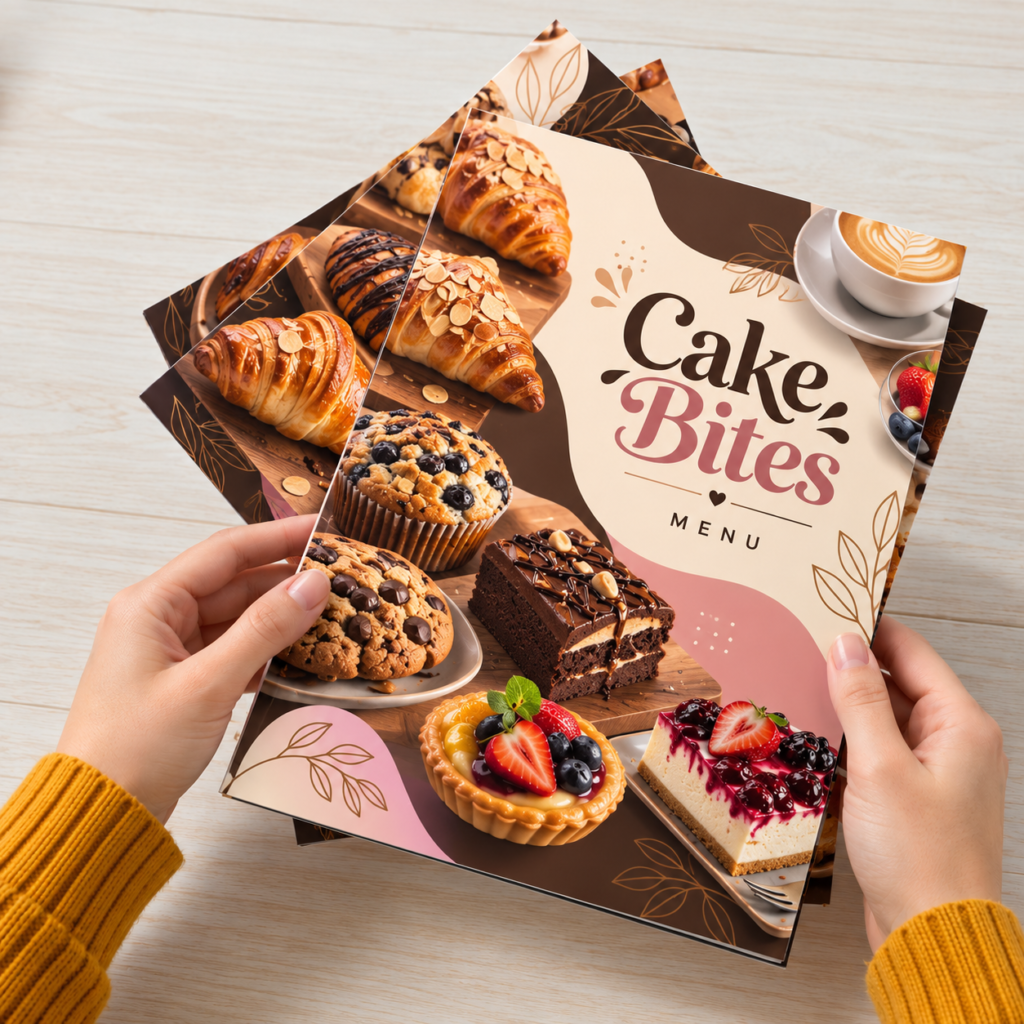
Present your food, drinks, and prices in a clean, easy-to-read…
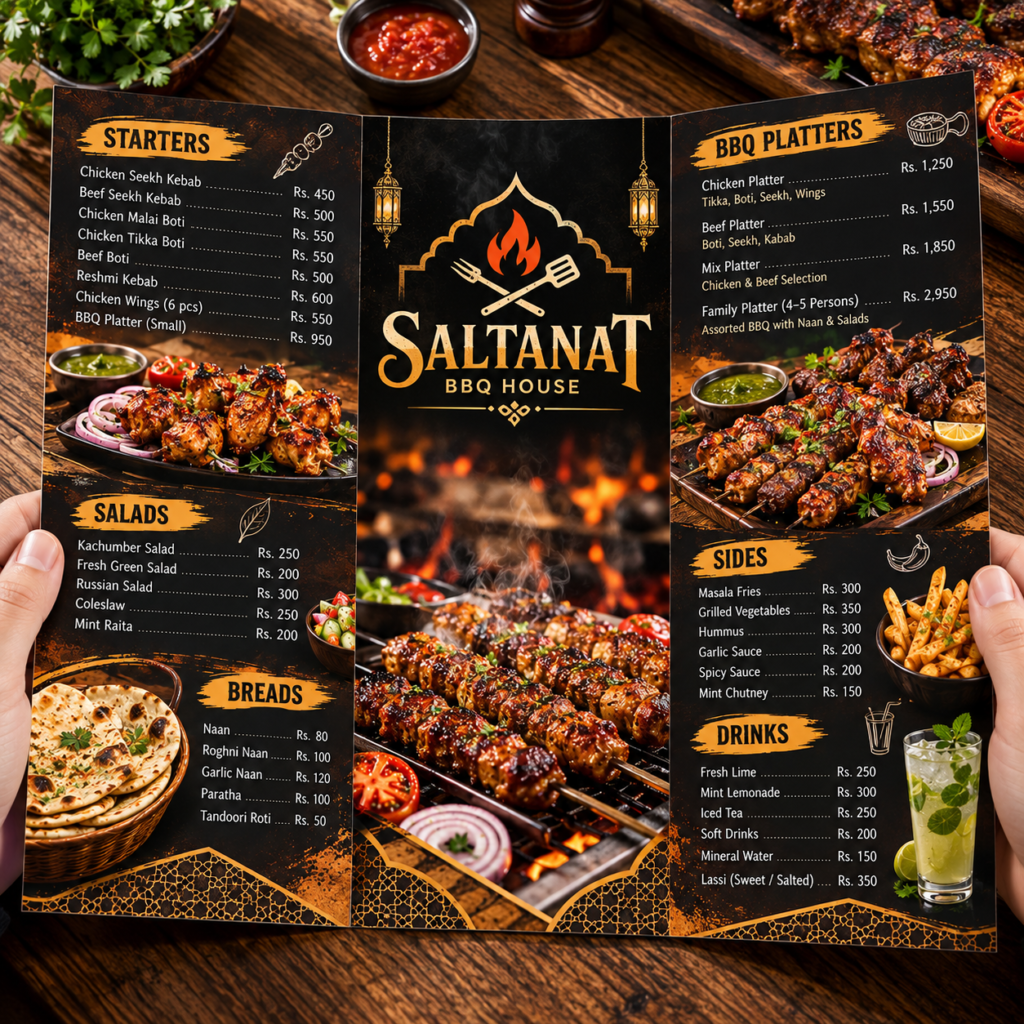
Compact Tri-Fold Takeaway Menus give you six panels to neatly…
Pick the format around how the menu will be handled and how often the prices change. We print menus digitally in short runs, which suits a different approach to the laminated menu that stays on the table for two years: print fewer, cheaper, and replace them when the kitchen or the prices move. A menu that is always current reads better than a laminated one with pen corrections on it.

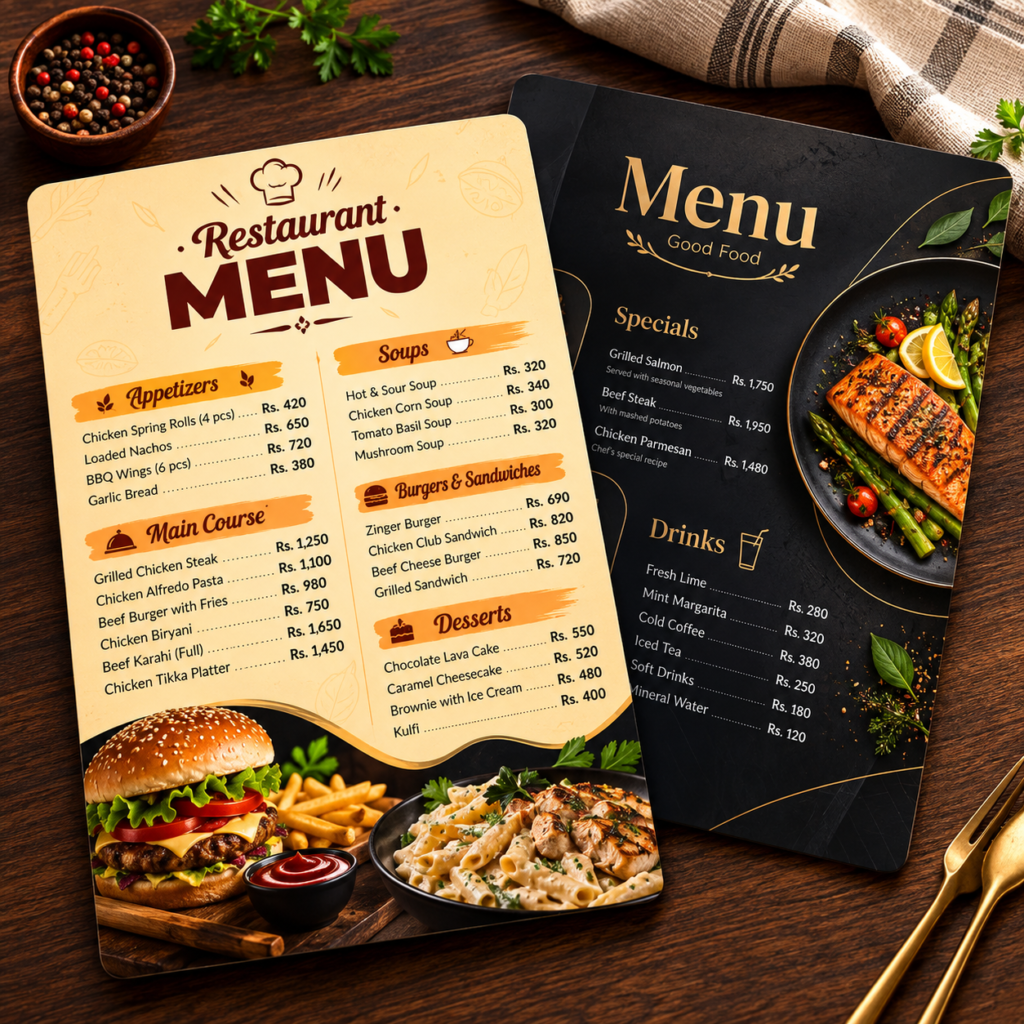
One sheet, printed both sides on heavy card. The fastest menu to read and the cheapest to replace when the kitchen or the prices change, which is why most cafes settle on it.

A single fold giving four panels. Room to separate starters, mains, sides and drinks without the reader losing their place, and it stands up on its own in a menu holder.

Folds down to DL, so it drops into a delivery bag, a rack or an envelope. The format for takeaway and home-delivery lists where the phone number has to be on the outside.

A small folded card that stands on the table for deals, new items, drinks or a QR code. Printed on heavy stock and creased so it holds its shape through wiping.

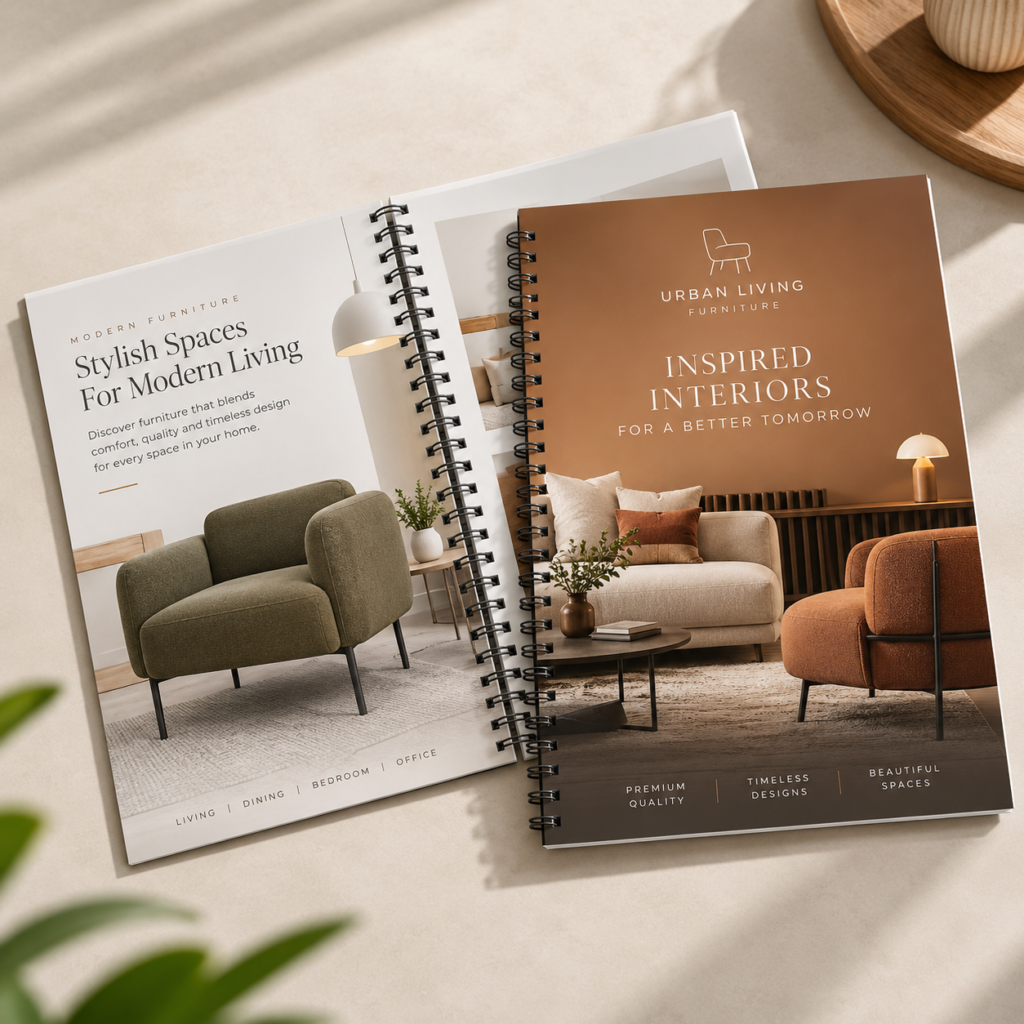
Wire-bound along one edge so the book opens flat on a table. For longer ranges, drinks lists and anything that needs more than four panels.

Bound along one edge so the book opens flat on a table and pages can be turned with one hand. For longer ranges, drinks lists and anything that needs more than four panels.
Sizes below are flat, with the finished size after folding where it applies.
Custom sizes are available. Tell us the finished size and whether it goes into a holder, and we will work back to a sheet that cuts economically.

Three card and paper types cover almost every job here. Plain is untreated, so it takes a pen. Matte has a smooth low-glare surface that holds fine detail and stays readable under strip lighting. Glossy is coated and shiny, and it makes photographs and strong colours look their best, though ink will not dry on it. Weight is the other half of the decision.
An important thing to be straight about: we do not laminate. That rules us out of the two-year dine-in menu, and it is why the pages here are built around heavier card, replaced more often. On a fast-changing menu that usually works out better and cheaper. On a fine-dining room that wants one menu to last, you want a laminating supplier.

The house standard for a dine-in menu. Heavy enough to hold flat in a hand, matte so overhead lights do not bounce off the page while a guest is reading.

Deeper colour and the best surface for food photography, which matters if the menu is selling dishes by picture. It wipes down better than an untreated sheet too.

Stiffer again, for menus handled constantly and for table tents that have to stand up through a service. The closest we get to a menu that lasts a season.

For takeaway and delivery menus printed in volume. Light, cheap per piece, folds cleanly to DL, and meant to be replaced with the next print run rather than to last.

Untreated, for cafes that want the feel of paper and for any menu with a space guests or staff write on. Marks more easily, which suits a place reprinting often.

Cutting and creasing are digital, so rounded corners, a shaped menu, a punched hole for a ring binder or a die-cut tab all cost the same as a rectangle.

How a menu is set on the page changes what people order. None of this costs anything to apply before the file goes to print, and all of it is harder to fix once a full run is sitting in the store room.
Most menus we print here are English with Urdu names for local dishes, or fully bilingual for family restaurants, dhabas and hotel dining rooms. A few things keep it clean on press.
Sindhi, Pashto and Arabic follow the same rules. If you have the item list but no layout, send it and we will typeset both languages.

Menus come back to us for reprint sooner than any other job, and usually for reasons that had nothing to do with the food changing.
We do not laminate, and we will say so upfront rather than after you have ordered. What we do instead is make reprinting cheap enough that your menu is never out of date: no plates, no setup charge, and a fresh run whenever a price or a dish changes.
We look at resolution, colour mode, bleed, fold clearance and type size before printing. Food photography that came off a phone is flagged before it reaches a run of five hundred.
Square corners are the first thing to bend and fray on a menu handled all evening. A 3 mm or 6 mm radius is cut in the same pass as the outline, costs nothing extra, and adds weeks to how long the menu looks presentable.
Fifty menus is a real order here. That is what makes the replace-rather-than-laminate approach work, and it also means seasonal inserts, a new dessert card or a Ramadan menu can be printed on their own.
Choose a product from the range above, then set the size, the fold, the paper stock, any die-cut shape and the quantity.
Upload a print-ready file, or send your item list, prices and photographs on WhatsApp and our designers will lay the menu out for you.
You get a digital proof with trim, bleed and fold lines marked. Check prices and item names against the kitchen before you approve, not after.
Menus are printed, cut, creased and boxed, then delivered in Karachi or couriered nationwide. Print files stay on record for reorders.

Menus are printed on large sheets and then cut, and the cut shifts by a fraction of a millimetre on every pass. These settings absorb that movement, and the last two points are where most menu files come unstuck.
No layout yet? Send your item list, prices and any photographs, and our design team will build the menu before it goes to proof.
How the menu is handled decides the stock, and how it is read decides the format.

Short lists that change with the season, so a single A4 card or a long 105 x 297 mm sheet works better than a book. Print a small run, expect to reprint, and keep the layout simple enough to update quickly.

Longer ranges need a bi-fold or a wire-bound book with a heavier printed cover. Order spare copies in the same run so replacements match the colour of the originals exactly.

Tri-fold DL menus that go into the bag with the order, printed light and in volume. Put the phone number and delivery area on the outside panel, because that is the only side most people ever look at.

A large A3 counter or wall menu read from a distance beats a handheld sheet in a standing queue. Big type, few categories, and reprinted when it gets grubby rather than protected against it.

Product photography carries these, so glossy card is worth it. Table tents and small A5 counter cards handle seasonal ranges and festival items without reprinting the main menu.

Package menus are quoted rather than priced on the page, so the printed piece can stay in service far longer. Heavier plain or textured stock suits the setting.
Everything here is printed digitally, so there are no printing plates and no setup charge to spread across the run. A short run is priced fairly rather than carrying the cost of preparing a press, a custom shape or fold adds nothing because cutting and creasing are digital too, and a different name, number or code on every piece costs the same as printing one design repeatedly. Quotes are in PKR.
| Quantity | Cost per piece |
| 25 – 100 | Highest per piece, though still viable |
| 250 | Noticeably lower |
| 500 | Best value on most jobs |
| 1,000 and above | Quoted per job |
Menus have one problem no other print job has: prices move, and a printed sheet cannot be edited. Three ways around it, in order of how well they hold up.
Order spares in the first run rather than topping up later. Menus get damaged constantly, and a replacement printed from a separate run will not match the colour of the ones already on the tables, which is more visible on a menu than on almost anything else.
Reorders are simple. Your approved print file stays on record, so a repeat run needs no new setup and no new proof unless something has changed.
Runs start at 25 pieces. Printing is digital with no plate or setup charge, so a small run for one floor, or a seasonal insert, is priced sensibly. That is the whole basis of how we suggest running menus: print fewer, reprint when something changes.
No, and it is better to say so plainly. Laminating gives you a menu that survives two years but locks in every price and dish on it. Our approach is the opposite: heavier card, rounded corners so the edges last, and short digital runs cheap enough to reprint whenever the kitchen changes. If you want one menu to last for years without reprinting, you want a laminating supplier and we will tell you that rather than sell you something that will not do it.
On 350gsm or 400gsm card with rounded corners, a few months of normal dine-in handling before the edges and corners start showing wear, less on a busy floor with wet hands. Plan on reprinting each season, which is roughly how often most menus change anyway, and keep the design simple enough that a reprint is a five-minute job rather than a redesign.
Yes. Send Urdu as outlined curves or a print-ready PDF so the Nastaliq joins hold, and export from InPage to PDF rather than sending the .inp file. Decide the pairing style first, Urdu above English, English above Urdu, or a full Urdu reverse, and keep it consistent throughout. Sindhi, Pashto and Arabic are handled the same way.
Keep prices off the main menu and onto a slip-in insert or a separate price card, so a revision means reprinting the cheap part. Splitting the menu into a permanent core plus seasonal cards and table tents does the same job. If prices are moving fast, shorter runs printed more often will cost you less than one large run that goes out of date.
Screens emit light and mix colour in RGB; presses lay ink on paper in CMYK. Bright reds and oranges are worst affected, which matters on menus because curries, tandoori dishes and tomato-based food live in exactly that range. Build in CMYK, judge colour on the proof, and remember glossy card deepens colour while plain and matte soften it.
Only if you send the original files rather than pictures forwarded through WhatsApp, which compresses them heavily. Even then, a phone photo shot under kitchen lighting rarely holds up printed at A4. A short photography session for eight or ten signature dishes is usually the better investment, and those images will serve your delivery listings and social pages too.
Print-ready PDF is best, exported at 300 DPI in CMYK with 3 mm bleed and fonts outlined or embedded. We also accept AI, EPS, CDR from CorelDRAW, packaged INDD and layered PSD files built at final size.
Yes. Send your item list, prices, logo and any photographs you have, plus a note on how many categories you want. Our designers build the layout, send it as a proof, and adjust it until you are happy before anything is printed.
Yes, at 3 mm or 6 mm radius, and on a menu it is worth doing. Square corners are the first thing to bend and fray on something handled all evening. The radius is cut in the same pass as the outline, so it costs nothing.
Yes, and printing them together is cheaper than ordering separately because they share the same sheet. It also keeps the colour identical across the menu, the table tent and any insert, which is difficult to achieve across separate runs.
Across most of them, and the list keeps growing. The menus we print regularly go to cafes and coffee shops, dine-in restaurants, fast food and delivery, dhabas and roadside kitchens, bakeries and sweet shops and hotels, banquets and caterers.
The trade matters less than what the job has to do. Two businesses in completely different lines often need the same size, stock and finish, and two shops in the same trade often need entirely different ones. If your line of work is not named above, tell us what the menus have to do and where they will be handled, and we will tell you what suits it.
Yes. Orders are couriered anywhere in Pakistan, including Lahore, Islamabad, Rawalpindi, Faisalabad, Multan, Peshawar, Hyderabad and Quetta, and delivery within Karachi can be arranged directly.
Pick a product from the range above and order on the site, or send your requirement on WhatsApp with the size, format, stock, finish and quantity you want, and we will come back with a quote in PKR before anything moves forward.
Pick a product from the range above, or send your artwork, or just your item list and prices, on WhatsApp. We will come back with stock and finish options and a quote in PKR.